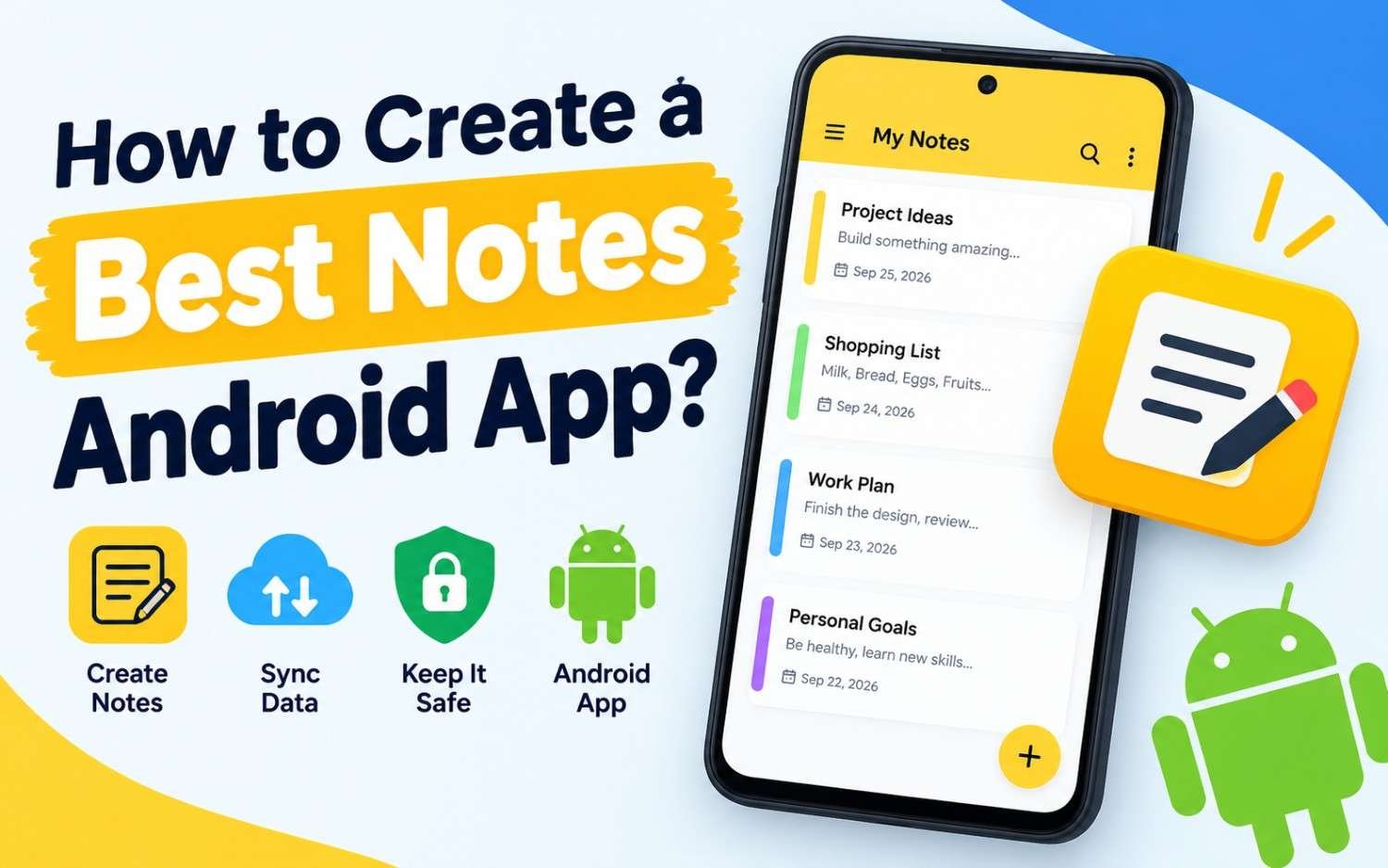
Whether you are an independent developer, an enterprise team lead, or a founder launching a new mobile venture, this step-by-step blueprint walks through everything needed to build a successful Android app in 2026.
How to create a great Android app?
1. Discovery & Strategy Phase
Before writing your first line of code, clarify the core purpose of your application.
- Define the Problem & Target Audience: What specific pain point does your app solve? Research your competitors on the Google Play Store to identify what they do well and where they fall short.
- Determine Your Core Feature Set (MVP): Resist the temptation to build everything at once. Focus on a Minimum Viable Product (MVP) containing only the essential features required to deliver value to users.
- Monetization Model: Decide early how your app will generate revenue—whether through freemium features, in-app purchases (IAP), Google Play Billing subscriptions, or targeted ads.
2. Choosing Your Tech Stack
Selecting the right development toolchain determines how fast you can iterate and scale.
+-----------------------------------------------------------------------+
|                    NATIVE VS CROSS-PLATFORM STACK                     |
+-----------------------------------+-----------------------------------+
|            NATIVE (KOTLIN)        |     CROSS-PLATFORM (FLUTTER/RN)   |
+-----------------------------------+-----------------------------------+
| • Language: Kotlin                | • Language: Dart / JS / TS        |
| • UI Toolkit: Jetpack Compose     | • Engine: Flutter / React Native  |
| • Best For: Max OS access & perf  | • Best For: Multi-platform launch |
+-----------------------------------+-----------------------------------+
Native Android (Recommended)
- Language:Kotlin is Google’s official, first-class programming language for Android development. It is modern, concise, safe against null-pointer exceptions, and fully supported.
- UI Framework:Jetpack Compose is the modern declarative UI toolkit that has replaced legacy XML layouts. It drastically reduces code volume and simplifies UI state management.
- IDE:Android Studio provides the official IDE environment with integrated profilers, emulators, and layout inspect tools.
Cross-Platform Alternatives
If you plan to launch simultaneously on iOS and Android with a shared codebase, options like Flutter (using Dart) or React Native (using TypeScript/JavaScript) offer fast cross-platform development cycles.
3. UI/UX Design & Material Design 3
Android users expect apps to follow modern OS interaction standards.
- Adopt Material Design 3 (Material You): Use Google’s latest design system, which features dynamic color themes adapted to user wallpapers, adaptive layouts for foldable screens and tablets, and fluid motion animations.
- Prioritize Navigation Simplicity: Implement standard Android navigation patterns using bottom navigation bars, navigation drawers, or predictive back gestures.
- Accessibility (a11y): Ensure proper contrast ratios, touch target sizes (at least 48×48 dp), and full support for TalkBack screen readers.
4. Modern Android Architecture & Clean Code
To keep your app maintainable, testable, and scalable as features grow, follow Google’s official Guide to App Architecture.
1.1. UI Layer:Handles UI state display and user interaction.
Built using Jetpack Compose components alongside ViewModels. The ViewModel manages UI state (using StateFlow or LiveData) and survives configuration changes like screen rotations.
2.2. Domain Layer (Optional):Contains business logic and application rules.
Encapsulates complex business logic into reusable Use Cases or Interactors, keeping ViewModels clean and decoupled from data handling logic.
3.3. Data Layer:Retrieves and persists application data.
Implements the Repository pattern to combine data from local storage (using Room Database) and remote REST/GraphQL APIs (using Retrofit or Ktor Client).
5. Development Best Practices
To ensure your application runs smoothly across thousands of diverse Android device models:
- Asynchronous Operations: Use Kotlin Coroutines and Flow for smooth background processing without blocking the main UI thread.
- Dependency Injection: Use Hilt (built on top of Dagger) to manage dependencies cleanly across your app modules.
- Background Tasks: Rely on WorkManager for reliable background tasks that need to run even if the app closes or the device restarts.
- Offline-First Support: Cache server responses locally with Room or DataStore so users can view data even with poor network connectivity.
6. Testing, Optimization & Security
Before submitting your app to Google Play, verify its stability, speed, and safety.
Testing
- Write Unit Tests (JUnit, MockK) for domain logic and ViewModels.
- Write UI / Integration Tests (Compose Test Framework) to verify screen interactions.
Performance Optimization
- App Size: Use Android App Bundles (.aab) to serve optimized APKs tailored to specific device configurations.
- Memory & Battery: Profile your app in Android Studio to inspect RAM usage, detect memory leaks (using LeakCanary), and optimize battery consumption.
Security
- Secure sensitive data in encrypted storage using EncryptedSharedPreferences or the Android KeyStore.
- Enable code obfuscation using R8 / ProGuard to protect your compiled code against reverse engineering.
7. Deployment & Google Play Store Launch
1.Sign Your Release Build:Prepares your build for distribution.
Generate a secure upload key in Android Studio and configure app signing in Google Play Console.
2.Create Play Store Listing:Optimizes discovery and conversion rates.
Write compelling title and description copy, upload high-resolution app screenshots across phone and tablet sizes, and create a feature graphic.
3.Run Internal & Beta Testing Tracks:Identifies bugs before full rollout.
Distribute pre-release builds via the Google Play Console Internal Testing or Closed Beta tracks to gather early user feedback.
4.Staged Rollout & Release:Mitigates risks during public launch.
Release your app using a phased rollout (e.g., 10% $\rightarrow$ 25% $\rightarrow$ 100%) to catch potential crashes early before reaching your full audience.
Summary Checklist for Android Success
| Phase | Key Tools & Standards |
| Language & Tools | Kotlin, Android Studio, Gradle |
| UI Framework | Jetpack Compose, Material Design 3 |
| Architecture | MVVM / MVI pattern, Kotlin Coroutines & Flow |
| Data & Storage | Retrofit/Ktor, Room Database, Hilt |
| Distribution | Android App Bundle (.aab), Google Play Console |