If your WordPress website feels sluggish, you don’t need to write code or hire a developer. Following these practical steps will help you speed up your site and improve your Core Web Vitals scores.
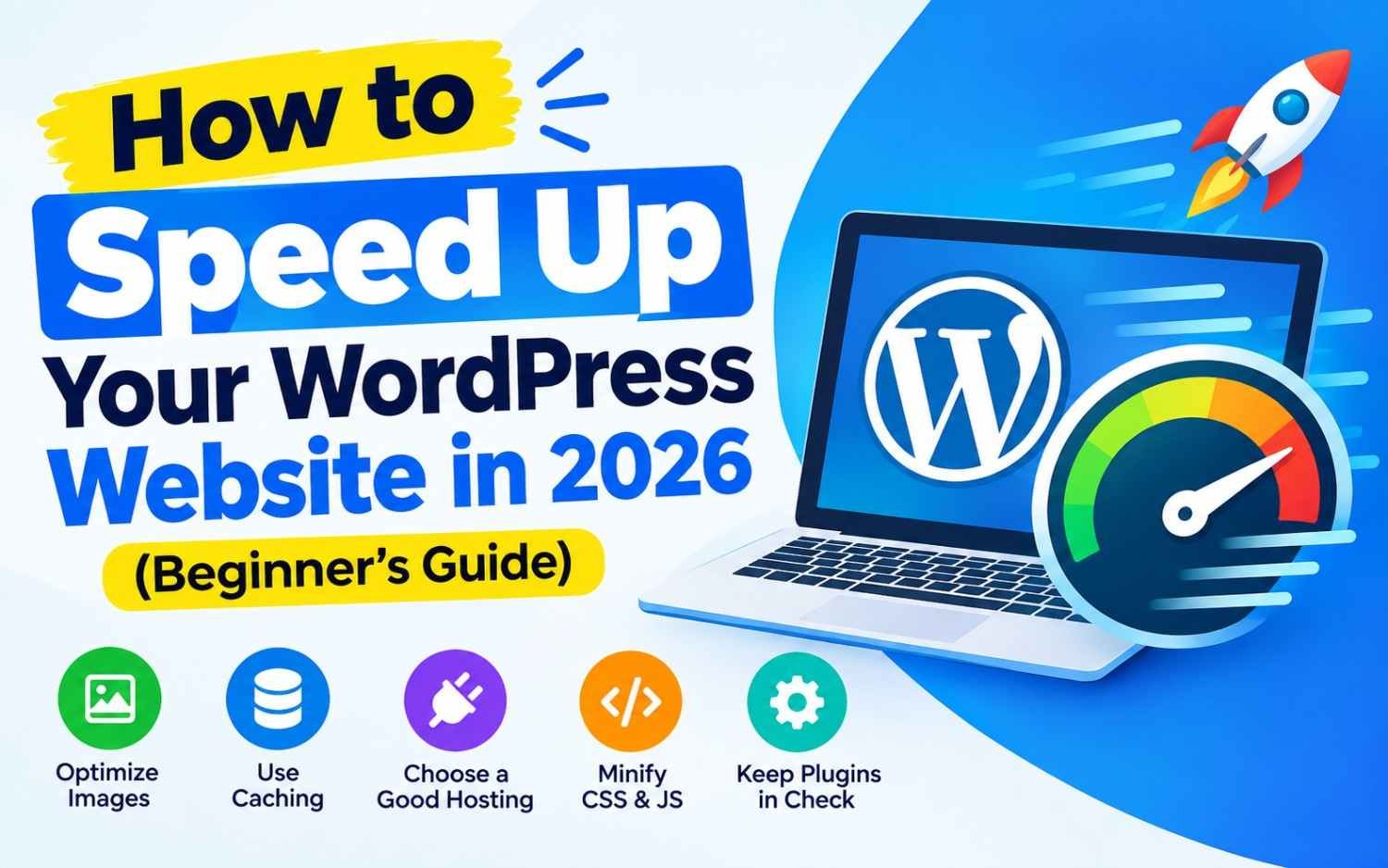
How to Speed Up Your WordPress Website in 2026 (Beginner’s Guide)
Why Is Your WordPress Site Slow?
Understanding what drags down performance helps you fix issues quickly. The primary causes of a slow WordPress site include:
- Slow Web Hosting: Using an outdated, slow server that lacks proper resources.
- Unoptimized Images: Uploading massive, full-resolution image files directly from a phone or camera.
- No Server Caching: Forcing your server to build a web page from scratch every time a user visits.
- Bloated Plugins & Themes: Running heavy themes packed with unneeded animations and page builders.
- Missing CDN (Content Delivery Network): Serving files from a single location to visitors around the globe.
1.Upgrade to High-Performance NVMe Hosting:The most critical foundation.
No optimization plugin can fix a inherently slow web host.
- Avoid Traditional Shared Hosts: Cheap hosts running on slow HDDs (Hard Disk Drives) bottleneck site performance.
- Look for NVMe Storage & LiteSpeed: Switch to modern hosts that run on NVMe SSD drives and LiteSpeed Web Servers (e.g., Hostinger, SiteGround, or Kinsta).
- Ensure Up-to-Date PHP: Check that your server is running PHP 8.2 or 8.3. Newer PHP versions execute scripts up to 2x faster than outdated legacy versions (PHP 7.4).
2.Install an All-in-One Caching Plugin:Instant speed boost.
Caching saves a static HTML version of your web pages so your server doesn’t have to query the WordPress database for every single page load.
- If your host uses LiteSpeed: Install the free LiteSpeed Cache (LSCache) plugin. Turn on Page Caching, Object Caching, and CSS/JS Minification.
- If your host uses Apache/NGINX: Install WP Rocket (paid, easiest to set up) or WP-Optimize (free alternative).
3.Optimize Images Before & After Uploading:Reduces page size by up to 70%.
Uncompressed images account for over 60% of an average web page’s total weight.
- Resize Dimensions: Never upload 4000px wide images when your website layout only displays them at 800px. Resize them on your computer before uploading.
- Convert to WebP Format: WebP images are 25–34% smaller than standard JPEGs without losing visual quality.
- Use an Image Optimization Plugin: Install plugins like ShortPixel, Smush, or Imagify to compress images automatically upon upload.
- Enable Lazy Loading: WordPress enables lazy loading by default, ensuring images below the fold load only as visitors scroll down.
4.Clean Up Unused Plugins & Database Bloat:Keep your database lean.
Every plugin you install adds code that your server must process.
- Delete Inactive Plugins: Don’t just deactivate them—delete unused plugins completely.
- Replace Heavy Plugins: Swap heavy page builders or social share bar plugins for lightweight alternatives. Aim to keep total active plugins under 15.
- Clean Up Revisions & Spam Comments: Use a plugin like WP-Optimize to remove old post revisions, spam comments, and expired transients from your database.
5.Enable a Free Content Delivery Network (CDN):Global content delivery.
A CDN stores copies of your website’s static files (images, CSS, JS) on a network of servers around the world. When a user visits your site, files load from the server nearest to them.
- Create a free account at Cloudflare.
- Change your domain’s Name Servers in your domain registrar to point to Cloudflare.
- Turn on Auto Minify and Rocket Loader inside the Cloudflare dashboard to compress files and speed up page rendering.
3 Quick Tools to Test Your Website Speed
Before and after applying these optimizations, measure your results using these free tools:
| Tool | Focus Area | Goal Score |
| PageSpeed Insights | Google Core Web Vitals (LCP, INP, CLS) | 90+ Score (Green) |
| GTmetrix | Page load timing, total page size & request counts | Fully loaded under 1.5 seconds |
| Pingdom Speed Test | Speed performance by geographic test server location | Grade A / Performance > 85 |
Key Takeaway
You don’t need dozens of complex tweaks to achieve a fast WordPress site. Focus on these core essentials: fast NVMe hosting, LiteSpeed/WP Rocket caching, WebP image compression, and Cloudflare CDN. This combination will consistently keep your page loading speeds under 1.5 seconds.