Whether you specialize in building custom WordPress themes, deploying headless Node.js apps, or managing client web stores, here are the top 5 web hosting providers for freelance developers in 2026.
What Freelance Developers Should Look For in a Host
Before picking a provider, ensure your hosting plan covers these core workflow requirements:
- Staging & One-Click Environments: Push and pull code safely between production and development servers.
- Access Control & Client Handoff: Invite clients to manage billing or view progress without sharing account passwords.
- Modern Developer Tools: Built-in SSH access, WP-CLI, Git integration, custom PHP versions, and database management tools.
- Isolated Resources & Performance: LiteSpeed or NGINX stacks paired with NVMe storage to guarantee fast load times for client demos.
Top 5 Best Web Hosting Providers for Freelance Developers
Top 5 Web Hosting Providers Ranked
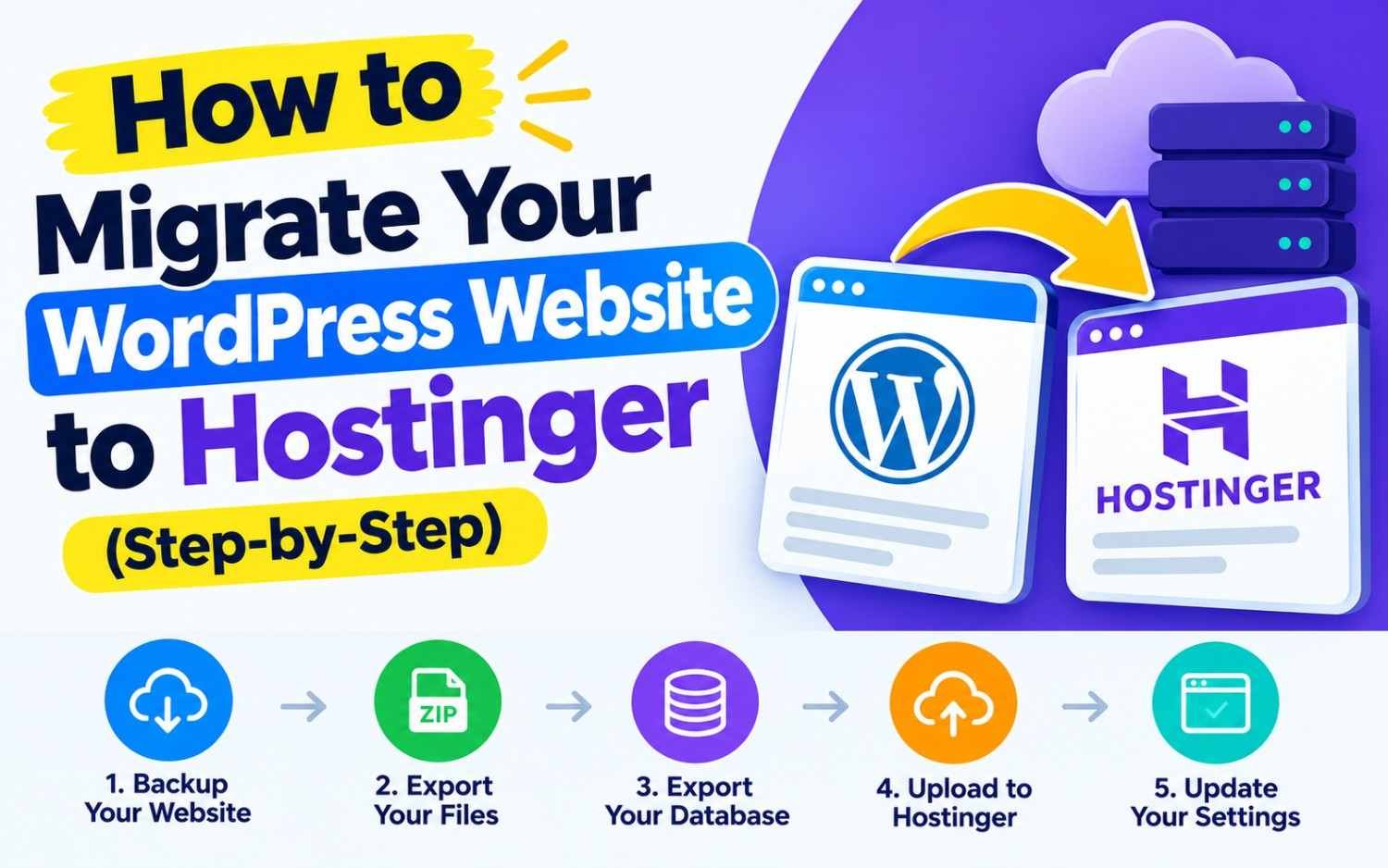
1. Hostinger: Best Overall Value for Freelancers & Agencies
Hostinger has transformed into a powerful dev-friendly platform. Through its custom hPanel, freelancers can easily manage multiple client projects under one roof.
- Key Dev Tools: LiteSpeed Web Server, LSCache, Object Cache, staging environments, AI Web Terminal, WP-CLI, Git auto-deploy, and KVM-based VPS setups.
- Client Management: The Pro Panel allows you to manage multiple client accounts, assign granular permissions, and bill or transfer assets seamlessly.
- Best For: Freelancers managing 5 to 50+ client WordPress sites or looking for affordable KVM VPS hosting for custom runtimes.
2. SiteGround: Best for Managed WordPress & Premium Support
SiteGround is renowned for its speed, security, and developer-focused staging tools. While higher in price, its performance and developer features justify the cost for high-value client projects.
- Key Dev Tools: Custom NGINX Direct Delivery setup, ultrafast MySQL queries, staging tools with automated backups, Git repository creation, and PHP version controls per directory.
- Client Management: Custom White-Label Client Access lets you build sites for clients and hand over ownership without showing SiteGround branding.
- Best For: Developers building premium business sites or WooCommerce stores where uptime and fast live support are essential.
3. DigitalOcean: Best Unmanaged Cloud Infrastructure
If you build custom web applications using Node.js, Python, Laravel, or Docker containers, traditional shared hosts won’t cut it. DigitalOcean gives you raw cloud infrastructure with complete control.
- Key Dev Tools: Droplets (Linux VMs), App Platform (PaaS for continuous GitHub deployment), Managed Databases (PostgreSQL, MySQL, Redis), and S3-compatible Object Storage.
- Client Management: Team accounts allow you to isolate client projects into distinct workspaces and manage API keys securely.
- Best For: Full-stack developers building web apps, SaaS products, or API backends.
4. Cloudways: Best Managed Cloud Hosting for WordPress & PHP
Cloudways acts as a managed layer over top-tier cloud infrastructure providers like DigitalOcean, AWS, and Google Cloud. You get the speed and scale of cloud servers without the hassle of server administration.
- Key Dev Tools: Dedicated cloud resources, choice of server location, staging environments, Git integration, SSH/SFTP access, WP-CLI, and automated daily backups.
- Client Management: Team collaboration tools let you invite team members or clients with specific role-based permissions.
- Best For: Developers who want raw cloud power (AWS/GCP/DO) but prefer a managed dashboard over command-line server administration.
5. Vercel / Netlify: Best for Modern Jamstack & Headless Frontends
If your freelance stack focuses on React, Next.js, Vue, or static site generators paired with headless CMSs (Strapi, Sanity), Vercel and Netlify are the gold standard.
- Key Dev Tools: Instant Git deployment pipelines, automatic preview deployments for every pull request, serverless functions, global Edge CDN, and automatic SSL.
- Client Management: Project-level access controls and custom domain mappings for client handoffs.
- Best For: Frontend developers building ultra-fast Jamstack sites, portfolio platforms, or headless e-commerce frontend setups.
Quick Comparison Matrix
| Provider | Hosting Type | Key Advantage | Starting Price | Best Client Fit |
| Hostinger | Shared / Cloud / VPS | Pro Panel & LiteSpeed performance | ~$2.99/mo | Multi-site client management & budget VPS |
| SiteGround | Managed WordPress | White-label client access & speed | ~$2.99/mo | High-end client business sites & e-commerce |
| DigitalOcean | Unmanaged Cloud | Full root control & scalable VMs | ~$4.00/mo | Custom web apps, APIs & full-stack projects |
| Cloudways | Managed Cloud | Cloud power (AWS/DO) with UI | ~$11.00/mo | Fast WordPress & PHP sites needing isolated scale |
| Vercel | Edge / Serverless | Git-based deployments & Next.js | Free / ~$20/mo | Jamstack, Next.js & headless web apps |
Verdict: Which One Should You Pick?
- Pick Hostinger or SiteGround if you primarily build and manage WordPress sites for local businesses and need built-in client collaboration tools.
- Pick Cloudways if you need high-performance cloud hosting for resource-heavy client sites but don’t want to manage Linux servers via SSH.
- Pick DigitalOcean or Vercel if you build custom full-stack web applications, APIs, or modern headless websites.