Here is an honest breakdown of Hostinger’s platform, evaluating performance, developer workflows, agency tools, and long-term value.
1. Developer & Designer Feature Breakdown
Hostinger relies on hPanel, its custom-built alternative to cPanel. While beginners love its clean UI, developers need to know what’s under the hood.
Hostinger Review 2026: Is It Worth It for Web Designers & Developers?
What Designers & Agencies Will Love
- Access Sharing & Pro Panel: Easily manage multiple client accounts from a single dashboard. You can invite clients, assign granular permissions, and work on their sites without asking for raw password credentials.
- Integrated Staging Environments: Push a site live or pull it to a staging sub-domain with one click. Essential for testing new client designs, CSS updates, or plugin stacks safely.
- Global Server Locations: With data centers across the US, Europe, Asia, and South America, you can deploy client sites close to their target audience for lower latency.
What Developers Will Love
- LiteSpeed Web Server + LSCache:Hostinger’s WordPress environment runs on LiteSpeed.Paired with Object Caching, static asset minification, and image optimization, reaching green Core Web Vitals scores requires minimal extra tuning.
- KVM-Based VPS with Full Root Access: Need Node.js, Python, Docker, or custom PHP modules? Hostinger’s VPS lineup uses KVM virtualization with dedicated NVMe storage, giving you full SSH/root control.
- Built-in AI & CLI Tools: The AI Web Terminal inside hPanel allows you to execute commands via browser or ask the AI assistant to draft server configurations, set up firewall rules, or run WP-CLI scripts.
- Git Integration: Auto-deploy directly from your GitHub or GitLab repositories onto live or staging servers.
2. Speed and Server Infrastructure
For professional projects, loading speed directly impacts conversion rates and client retention. Hostinger’s core infrastructure highlights include:
- NVMe SSD Storage: Standard across most Business, Cloud, and VPS plans, offering significantly higher read/write IOPS compared to standard SATA SSDs.
- HTTP/3 & IPv6 Support: Modern protocols pre-configured out of the box.
- PHP Worker Limits: Crucial for dynamic sites (WooCommerce, membership platforms). While basic plans cap PHP workers, Cloud and VPS plans offer ample headroom to prevent concurrent requests from queuing up.
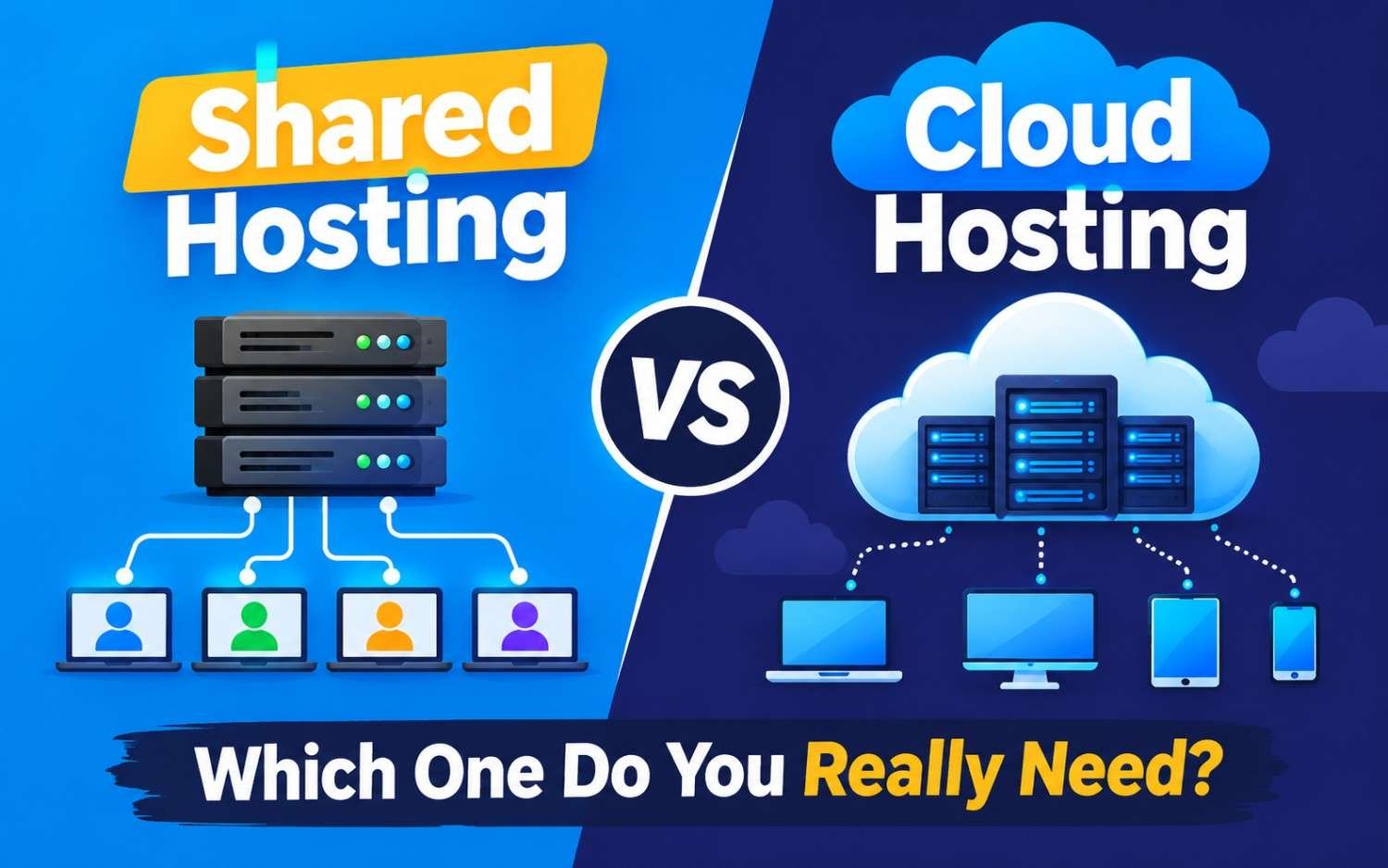
3. Hostinger Hosting Architecture: Which Tier Do You Need?
Depending on your workflow, Hostinger offers three main hosting pathways:
| Architecture | Control Level | Best For | Technical Fit |
| Business / WordPress Pro | Managed (hPanel) | Web Designers & Freelancers building standard client sites | LiteSpeed, Staging, Automated Daily Backups, WP-CLI |
| Cloud Hosting (Startup/Pro) | Managed (hPanel) | Agencies hosting 20–100+ client sites or heavy e-commerce stores | Dedicated CPU/RAM, Dedicated IP, Isolated Resources, High PHP Workers |
| KVM VPS Hosting | Unmanaged (Full Root) | Full-Stack Developers & App Builders | Linux, Docker, Node.js, Custom Firewalls, AI CLI Assistant |
4. The Downsides: Where Hostinger Falls Short
No host is perfect. If you are considering Hostinger for client work, keep these limitations in mind:
- Unmanaged VPS Requires SysAdmin Skills:While KVM VPS plans are cheap and fast, they are strictly unmanaged. If a database crashes or a security rule blocks traffic, you (or your dev team) must fix it via SSH.
- Renewal Rate Jumps:Intro pricing (especially on 48-month terms) is extremely aggressive, but renewal pricing can jump significantly.Account for renewal costs when billing retainer fees to your clients.
- No Dedicated Phone Support:Support is handled strictly through 24/7 live chat and ticketing. While response times are generally fast, some enterprise clients prefer phone-based account managers.
Final Verdict: Is It Worth It?
- For Web Designers & Agencies:Yes.The Cloud Startup/Pro plans combined with LiteSpeed caching, automatic staging, and hPanel’s access-sharing tools make managing multiple WordPress sites smooth and cost-effective.
- For Full-Stack Developers:Yes, if you want cheap VPS headroom.Their KVM VPS plans give you dedicated NVMe storage and full root access for custom runtimes at a fraction of major cloud competitors’ costs.
- When to Skip: If you require specialized enterprise cloud setups (AWS/GCP infrastructure with dedicated DevOps teams) or strict staging-to-production deployment pipelines using complex CI/CD hooks without a custom panel.