Two names dominate the web hosting space: Hostinger and Bluehost.While both offer domain registration, one-click WordPress installs, and free SSL certificates, their underlying technology and pricing models differ significantly.
This comparison breaks down performance, control panels, pricing structure, and business suitability to help you decide which host fits your website in 2026.
1. Performance & Infrastructure (Speed & Reliability)
Site speed is a direct ranking factor for Google and a key driver for user retention.
- Hostinger:Built on high-performance LiteSpeed Web Servers paired with LiteSpeed Caching (LSCache) and NVMe SSD storage on modern plans. With global data centers across North America, Europe, Asia (including Mumbai), and South America, Hostinger delivers consistently fast Time to First Byte (TTFB) around the globe.
- Bluehost:Runs primarily on traditional Apache/NGINX hybrid stacks. While performance is reliable for standard sites, server locations are largely concentrated in the US. Global visitors located outside North America may experience slightly higher latency compared to LiteSpeed setups.
Winner: Hostinger for raw server speed, LiteSpeed architecture, and global data center distribution.
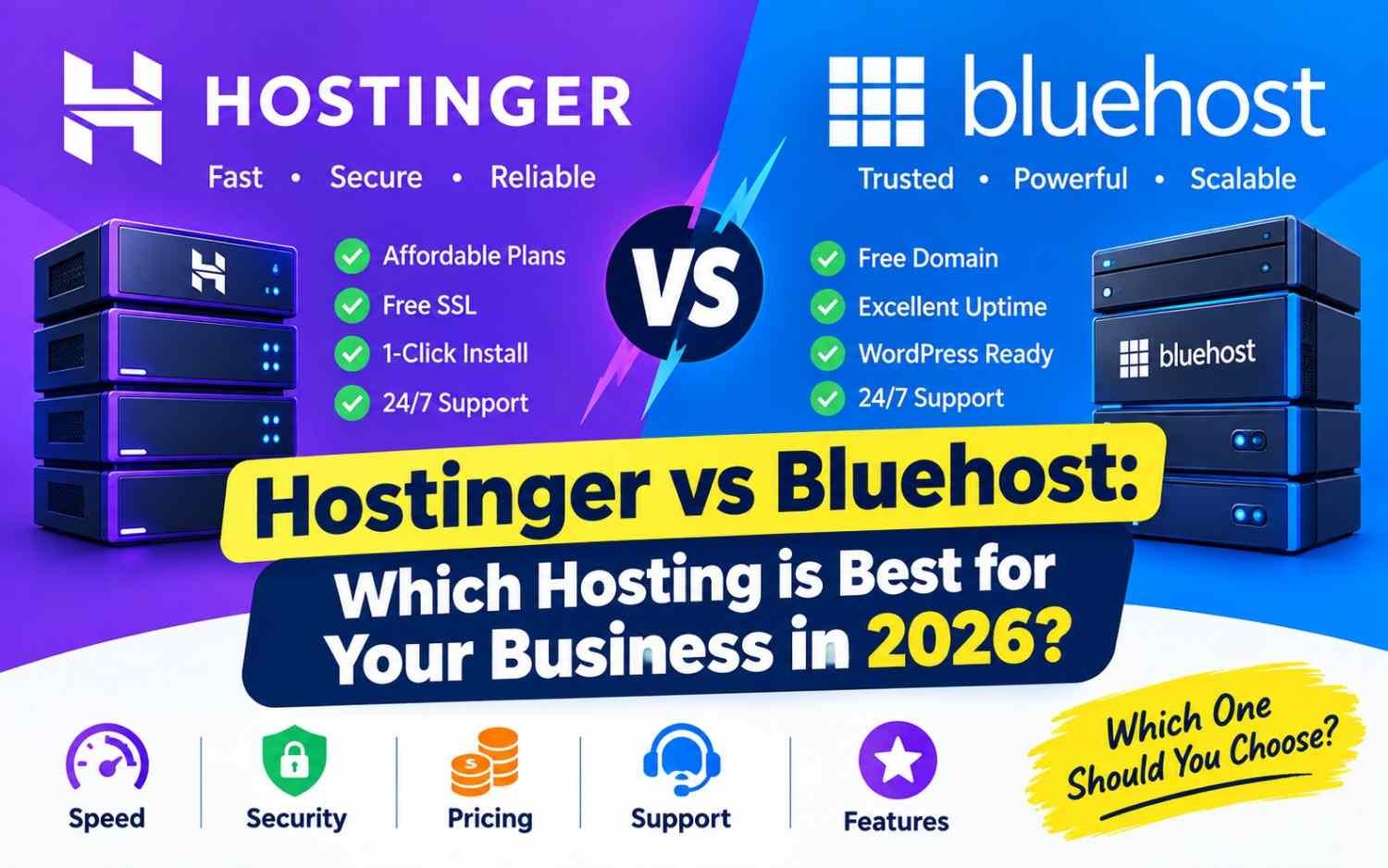
Hostinger vs Bluehost: Which Hosting is Best for Your Business in 2026?
2. Ease of Use & Control Panel
Both hosts target non-technical users, but they take different approaches to backend management.
+-----------------------------------------------------------------------+
|                            CONTROL PANELS                             |
+-----------------------------------+-----------------------------------+
|             HOSTINGER             |             BLUEHOST              |
|              (hPanel)             |          (cPanel Hybrid)          |
+-----------------------------------+-----------------------------------+
| • Modern, custom-built UI         | • Traditional cPanel integration  |
| • Zero clutter, clean navigation  | • Deep WP dashboard integration   |
| • Fast access to DBs & Staging    | • Guided WonderSuite wizard       |
+-----------------------------------+-----------------------------------+
- Hostinger (hPanel): Features a sleek, modern custom control panel. Managing DNS settings, creating business emails, setting up staging environments, and running database queries is intuitive.
- Bluehost (WonderSuite + cPanel): Blends a custom WordPress management dashboard (WonderSuite) with traditional cPanel. It provides beginner onboarding wizards, though the dashboard displays occasional upsell prompts.
Winner:Tie.Hostinger’s hPanel is cleaner and faster, while Bluehost’s WonderSuite onboarding is helpful for absolute WordPress beginners.
3. Pricing & Value Over Time
Introductory rates can be deceiving.To evaluate true cost, you must look at entry rates alongside renewal pricing.
| Feature / Cost Metric | Hostinger | Bluehost |
| Introductory Starting Price | ~$1.99 – $2.99 / mo | ~$1.99 – $2.95 / mo |
| Free Domain (1st Year) | Yes (Premium plans & up) | Yes |
| Free Professional Email | Yes (Included on base plans) | Limited trial (Paid add-on after) |
| Automated Backups | Weekly (Daily on Business plans) | Paid add-on on base tiers |
| Storage Type & Capacity | 100 GB SSD / NVMe | 10 GB – 50 GB NVMe SSD |
| Renewal Price Structure | Moderate renewal jump | Significant renewal jump (~2.5x to 3x) |
Winner:Hostinger.Hostinger offers broader resource caps (100 GB storage vs. 10 GB on entry tiers) and includes daily/weekly backups and free business email accounts out of the box.
4. WordPress Integration & Features
Both companies focus heavily on WordPress hosting.
- Bluehost:Holds an official endorsement from WordPress.org.Its dashboard integrates seamlessly with WordPress, offering built-in staging environments, automatic core updates, and guided site-building steps.
- Hostinger:Features automatic 1-click installation, WP-CLI support, object caching, AI content/code generators, and built-in staging tools. The LiteSpeed Cache plugin integration delivers fast out-of-the-box page load times.
5. Customer Support & Security
- Hostinger:Offers 24/7 Live Chat support directly inside hPanel.While there is no phone support, response times are fast and their knowledge base is comprehensive.Standard plans include free SSL certificates, automated malware scanning, and cloudflare-protected nameservers.
- Bluehost:Provides 24/7 Live Chat and Phone Support. If your business requires talking directly to a technician on the phone, Bluehost has a clear advantage. Security fundamentals (SSL and malware detection) are solid, though automated daily backups require higher-tier plans or paid add-ons.
Business Use Case: Which Should You Pick?
Choose Hostinger If:
- You want maximum speed and performance on a budget:LiteSpeed servers and global data centers ensure fast load times.
- You manage multiple client or business websites:Hostinger allows hosting up to 100 sites on mid-tier plans with 100 GB storage.
- You want essential features included:Free SSL, free business email, and automated backups come bundled without extra fees.
Choose Bluehost If:
- You require 24/7 phone support: You prefer speaking directly to a representative for troubleshooting.
- You value official brand recommendations:You prefer working with a host officially recommended by WordPress.org.
- Your primary market is North America:Your audience is based in the US or Canada and you want a guided WordPress setup.
Final Verdict
While Bluehost remains a recognizable name with phone support and guided onboarding, Hostinger is the overall winner for 2026. Hostinger delivers faster hardware (LiteSpeed + NVMe), generous storage limits, better long-term pricing, and modern management tools—making it the stronger investment for growing businesses.